 15-30 dagars returpolicy
 Betygsatt utmärkt
 Snabb leverans 3-6 dagar
 Betala senare med faktura, 15-30 dagars kreditlinje, Alltid räntefri

 (9) In Stock

Got Questions? Click here to chat with our presales consultant and make the right purchase.
 OBS: Informationen nedan tillhandahålls endast för din bekvämlighet, specifikationernas noggrannhet kan inte garanteras. Men om det behövs, vänligen verifiera med oss innan du köper. Data tillhandahålls av 1 World Sync
General
Maximum scan size
432 x 300 mm
Optical scanning resolution
285 x 218 DPI
Black/white scanning colour modes
Grayscale,Monochrome
Scanner type
Overhead scanner
Product colour
Black,White
Sensor type
CCD
Light source
White LED (2x)
Maximum ISO A-series paper size
A3
Scanning media types supported
Business Card,Post Card(JPN)
ISO A-series sizes (A0...A9)
A3,A4,A5,A6
Standard interfaces
USB 1.1,USB 2.0
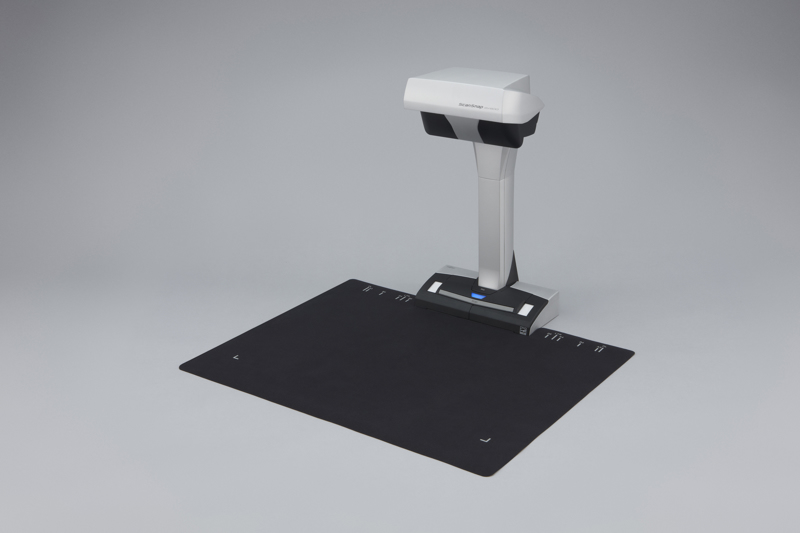
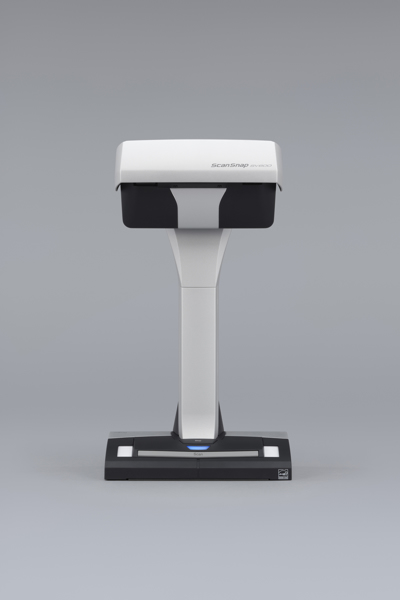
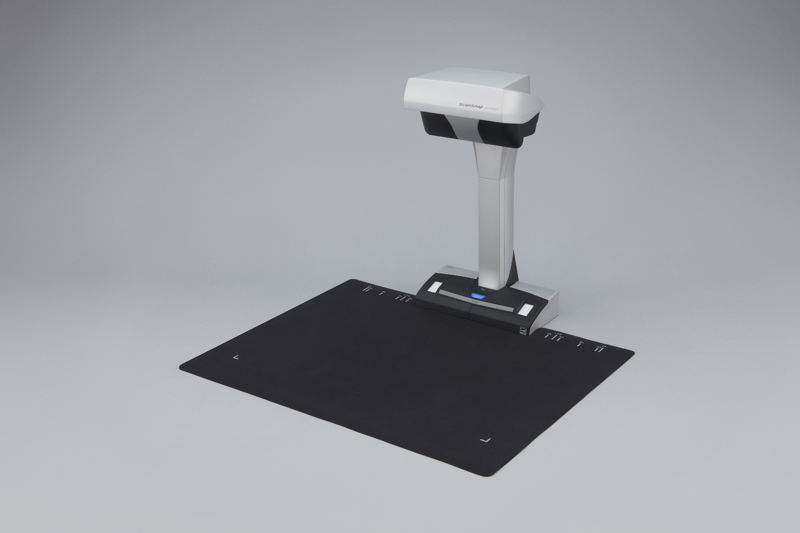
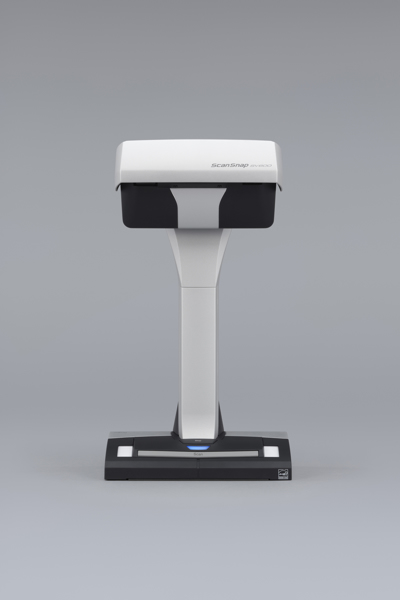
Fujitsu ScanSnap SV600. Maximum scan size: 432 x 300 mm, Optical scanning resolution: 285 x 218 DPI, Black/white scanning colour modes: Grayscale,Monochrome. Scanner type: Overhead scanner, Product colour: Black,White. Sensor type: CCD, Light source: White LED (2x). Maximum ISO A-series paper size: A3, Scanning media types supported: Business Card,Post Card(JPN), ISO A-series sizes (A0...A9): A3,A4,A5,A6. Standard interfaces: USB 1.1,USB 2.0
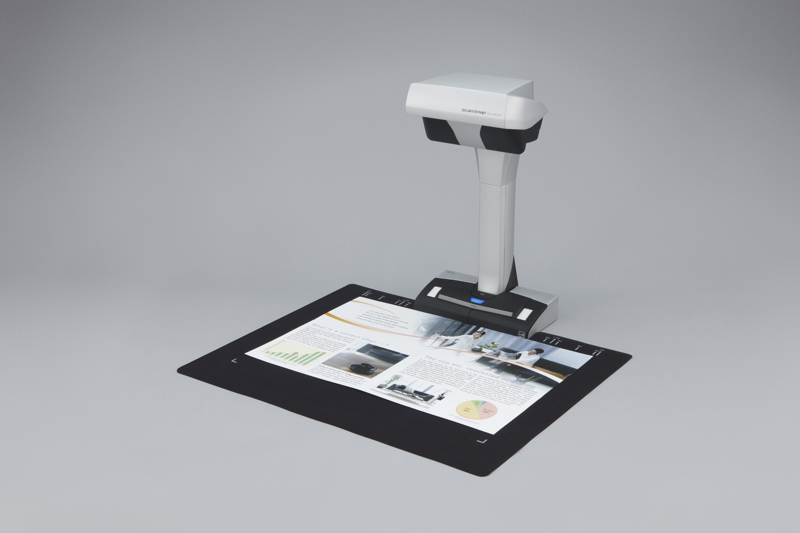
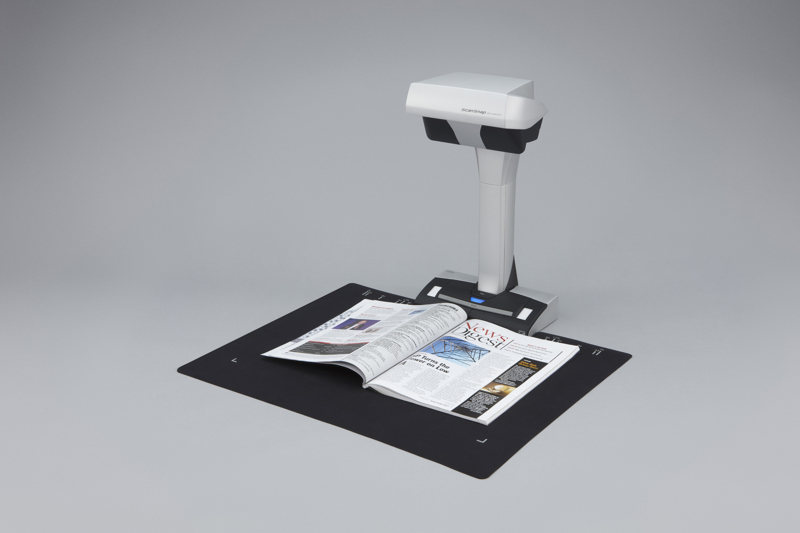
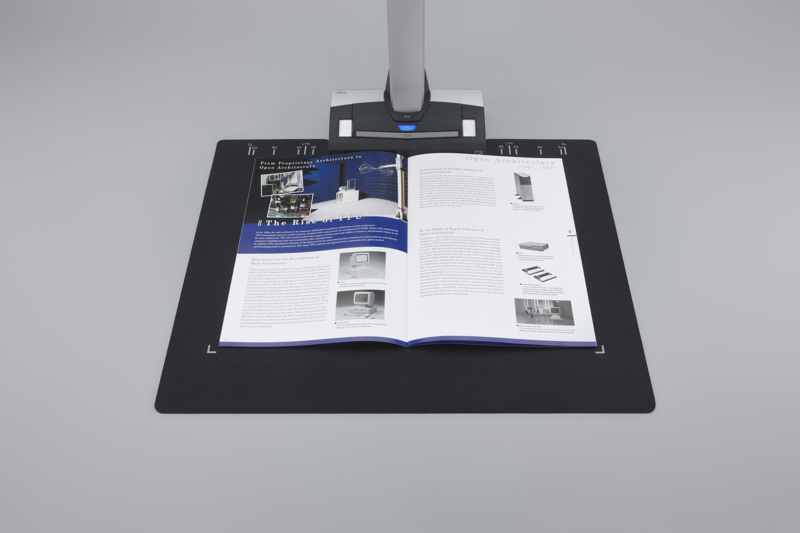
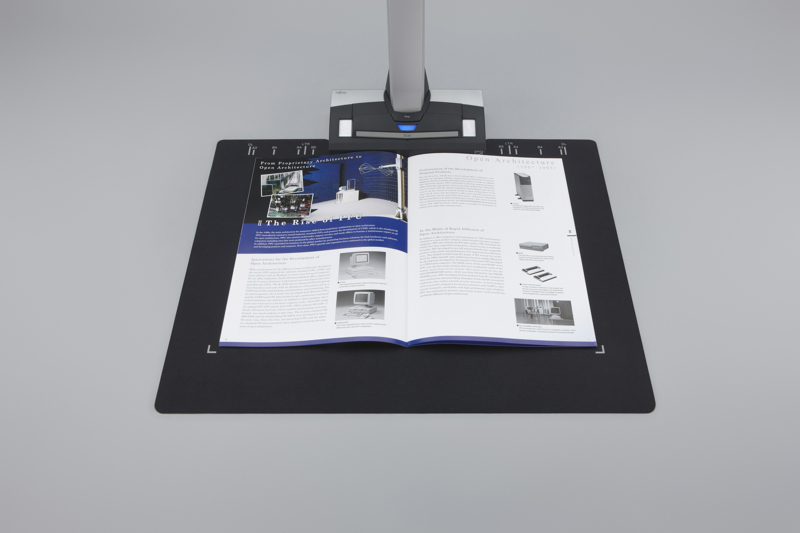
The ScanSnap SV600 from Fujitsu for PC and Mac is a versatile overhead scanner that allows for the digitization of a range of material including newspapers, bound documents, magazines and books without the need for cutting or causing damage. Additionally it can simply and intuitively scan a variety of loose paper such as delicate information, maps, delivery notes, receipts, business cards, historical documents and blueprints.
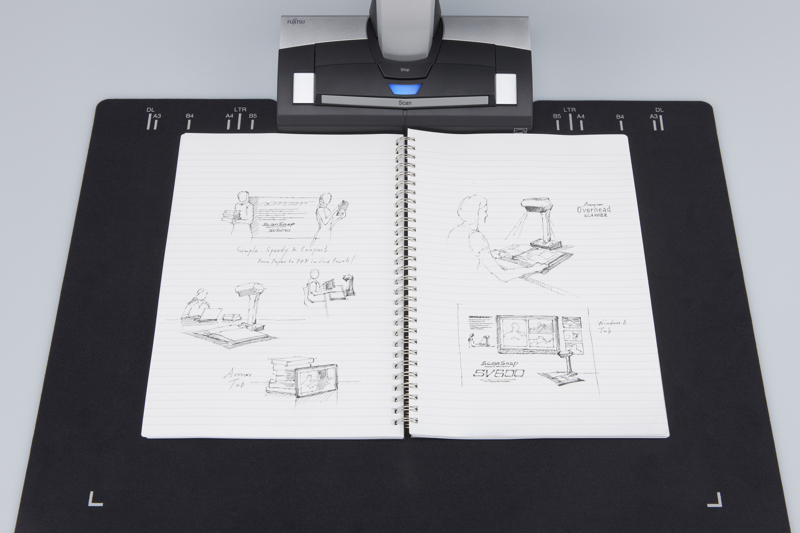
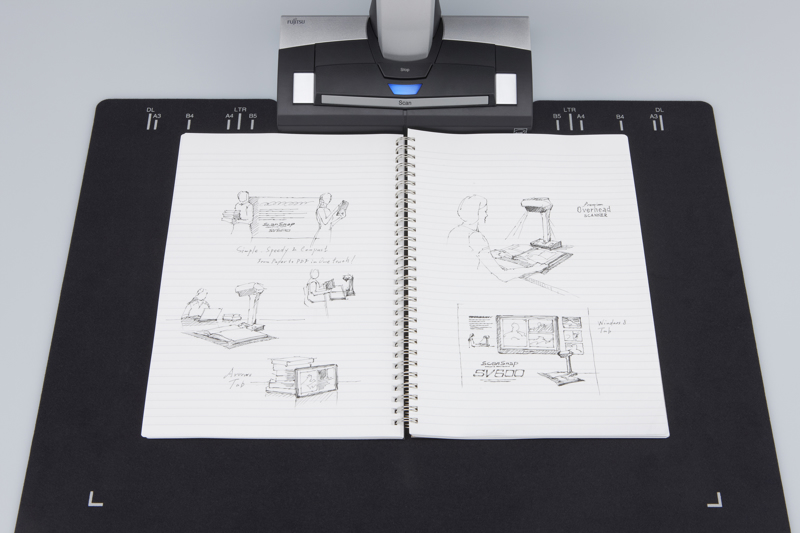
Position the documents on the black pad and scan directly without any extra effort. The maximum document size capable of being scanned is 400 x 300 mm if the thickness of the document is more than 5 mm, and the maximum size is 432 x 300 mm if the thickness is less than 5 mm. Documents up to 30 mm thickness can be scanned.
ScanSnap's user-friendly Quick Menu can be set up to automatically appear after scanning offering a multitude of 'scan to' destinations for your scanned data thereby facilitating smooth and efficient operation. This could be sending your business cards via CardMinder to a database package, typed documents to editable Word, Excel or PowerPoint, or simply sending documents to your cloud account for viewing anywhere and anytime.
With VI technology, the SV600 ensures that scanning can be performed even without touching the document. This means that historical and aged material and documents that may be prone to damage, such as paintings, photos, and pencil or crayon drawings, can be scanned without the need for touching or being fed through a mechanism.
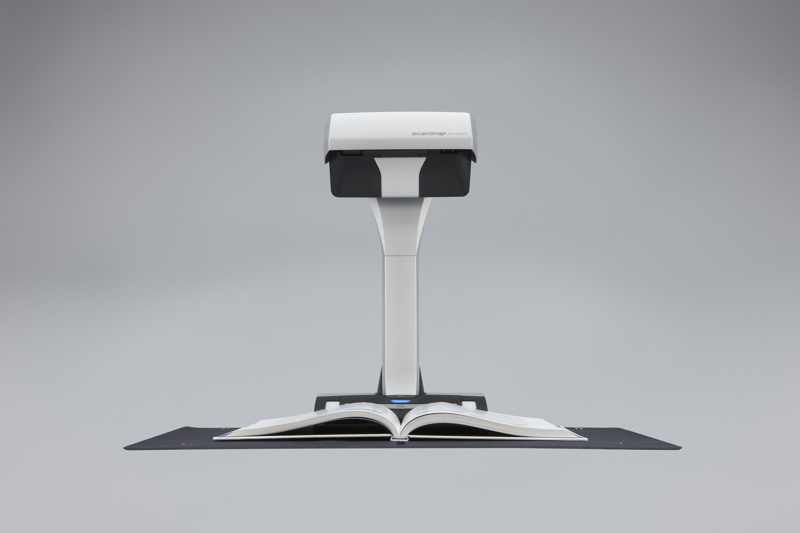
If you are scanning a bound document it is quick and easy to scan multiple pages quickly and smoothly - page turning detection combined with a built-in timed mode can ensure that a predetermined scan is initiated after a page turn has been detected. Book image correction automatically corrects any distortion introduced by the natural curvature of a book, for a clear, easily readable image. Additionally timed mode can be set to automatically start the scan process after a predetermined time.
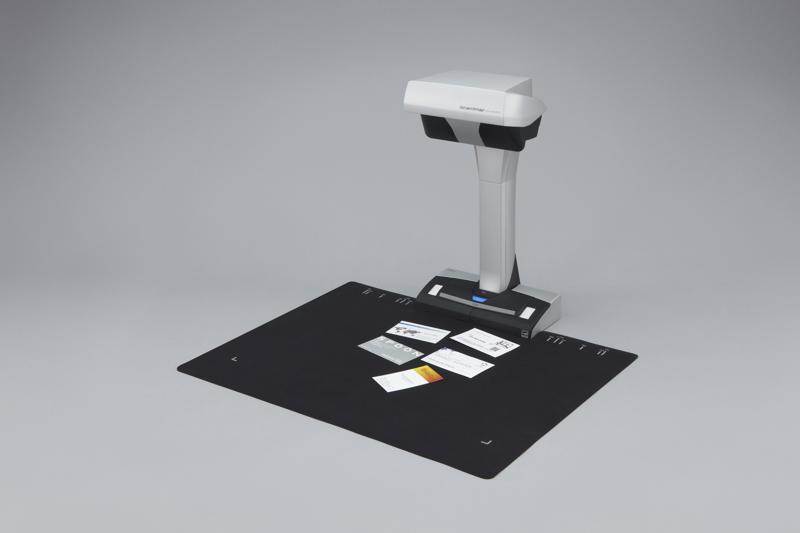
In just one touch you can capture up to 10 documents of differing sizes in just one scan pass. Place several business cards, receipts and photos within the scanning area and the SV600 will capture all the documents and will intelligently crop to the exact size.
The start up time of the SV600 is very quick - just three seconds is required from start up to being scan ready and then a further three seconds to scan an A3 size document, at up to 600dpi in color. The SV600 is robust with a solid footing, yet compact enough to enable efficient usage of your workspace without imposing on your daily routines when not in use.
The bundled business card scanning software scans large volumes of business cards into digital business card holders, and enables you to transfer business card information into Excel, Outlook Express, Salesforce, and other databases for future reference.
A few simple steps to digitize and manage the information on your receipts. ScanSnap Receipt allows you to easily scan and extract information from your receipts, and export the data for other accounting software. The sophisticated features within ScanSnap Receipt automatically support various languages and currencies.
The Quick Menu can be set up to display your 'Favorite' scanning destinations or will 'Recommend' an application. Scan a business card, for example, and the SV600 will automatically recognize the card and recommend a list of installed business card-related applications.
ABBYY FineReadder for ScanSnap bundled OCR (optical character recognition) software lets you scan documents with machine print directly to editable Microsoft Word, Excel and PowerPoint format.
The bundled Nuance PDF software allows users to read directly from cloud based applications and to save directly to those cloud based applications meaning that the possibility of using and sharing digital documents is extended.
- One touch operation for PC and Mac
- Scan a multitude of everyday documents including loose paper, bound material and delicate items
- Multi cropping capability allowing for scanning of various documents at the same time
- Continuous scanning capability with “page turning detection” and “timed scanning”
- “VI technology” helps minimise any unevenness in image quality
- Correct distortion and curvature of bound material with “Book Image Correction”
- Small footprint and robust design allows for easy positioning in any environment.
Digitise anything with ease
The ScanSnap SV600 allows you to scan newspapers, bound documents, magazines or books without the need for cutting or causing damage.
Scan anything from business cards to A3 size (landscape)* documents
Any documents larger than A4 such as maps, historical documents and blueprints can be simply positioned on the black pad and scanned directly without any extra effort. User interaction retouch tool allows the possibility to hold the document in a good position without worrying about fingers on the scanned image.
* The maximum document size will be 400 x 300 mm when the thickness of the document
is over 5 mm.
New VI technology
Equipped with “VI technology” which combines a ‘deep depth of field lens’, a ‘CCD linear image sensor’ and a ‘high directivity LED lamp’ the SV600 is able to comfortably minimise any unevenness in image quality and generate a smooth image even when scanning from a distance.
No problem scanning bound documents
The SV600 can comfortably scan books and magazines and also documents with sticky notes can be scanned without any issues.
No need to worry about your delicate documents or books
With “VI technology”, scanning can be performed without touching the document. You do not need to worry that documents such as crayon or oil paintings, pencil writings or photos will be damaged by touching.
Long depth of field lens
Wide auto focus area even when the focus distance is variable
CCD linear image sensor
Helps produce smooth images.
The SV600 scans documents with a movable head and incorporates a High directivity LED lamp
Helps maintain the same brightness level without any impact from surroundings.
Smooth operation with the assistance of various functions
The SV600 is enhanced with a host of customised features which helps continue ScanSnap’s concept of being simple, speedy and compact.
Quick Menu facilitates operability
ScanSnap’s Quick Menu will automatically pop up after scanning enabling you to link your scanned data to an application both quickly and easily, scan directly to the cloud for example thereby easily sharing your documents.
ScanSnap SV600 includes
Automatically crop several documents with ‘Multiple Document Detection”
In just one touch you can capture multiple documents of differing sizes in just one scan pass. Place several business cards, receipts and photos within the scanning area and the SV600 will capture all the documents and will intelligently crop to the exact size.
* Up to 10 documents can be cropped automatically. At least 15 mm
is needed between documents.
Fast start up time and scanning speed lead to time savings and efficiencies
The SV600 can be ready to scan in no time from power up and just 3 seconds is then required to scan an A3 landscape sized document.
Compact design with a small footprint
The SV600 is incredibly robust with a firm footing and is compact enough to enable efficient usage of your workspace without imposing to your daily routines when not in use.
Scan with one touch!
With a host of impressive features, you can continuously scan multiple pages smoothly.
Page Turning Detection
Automatically detect when the page is turned.
Timed Mode
- You can set the time to start scanning after the “Scan” button is pressed.
- For continuous scanning you can set the time interval before the next scanning to begin.
Auto image correction; enhances the reading experience
Book Image Correction – Automatically correct distortion caused by the curve of an opened book or magazine. You can confirm and fine tune the scanned images on the preview dialog after scanning or have this be performed automatically.
Book Image Correction
Can easily correctdistortion of the document.
User interaction retouch
Finger images scanned while suppressing the document can be deleted with ease.
ScanSnap Receipt
*
The ScanSnap Receipt software allows you to easily scan and extract information from your receipts, and even export the data for tax filing.
*Available via an online update only.
ScanSnap Sync*
With ScanSnap Sync built into ScanSnap Organizer software and the ScanSnap Connect app, captured documents are automatically synchronized with all your devices through Dropbox, Google Drive or Microsoft OneDrive.
*Available via an online update only.
The Nuance software allows users to read directly from cloud based applications and to save directly to those cloud based applications meaning that the possibility of using and sharing digital documents is extended. In case documents are intended to be managed locally, ScanSnap Organizer will provide an ideal repository. This application plays an increasingly important role in the ScanSnap eco system, especially when additionally utilising the recently introduced ScanSnap Sync functionality, which allows for cross linkage from the ScanSnap Connect App to for example Dropbox, to Nuance Power PDF or to ScanSnap Organizer.
1 year Advance Exchange within 1-2 days; Online support; parts, labour and shipping included
https://www.fujitsu.com/emea/products/scanners/scansnap/sv600-gig4.html
- One touch operation for PC and Mac
- Scan a multitude of everyday documents including loose paper, bound material and delicate items
- Multi cropping capability allowing for scanning of various documents at the same time
- Continuous scanning c
0.00 average based on 0 reviews.
Lägg helt enkelt till produkten i varukorgen, gå till kassasidan och betala där med säkra betalningsmetoder.
Du kan alltid kontakta oss via e-post eller telefon för att bekräfta LAGERSTATUS och lagerantal.
När du har lagt din beställning bekräftar vårt team den och skickar den vidare till lagret. Varje beställning hanteras, bearbetas och skickas enligt vår tidsplan. Leverans tar 4–5 dagar och vi skickar alltid med UPS.
Vårt team finns alltid tillgängligt för att hjälpa dig med support efter köpet, inklusive installationer, konfigurationer och teknisk support i detalj.
Vi säljer äkta och originalprodukter, direkt från olika distributörer och tillverkare. Vi tillhandahåller den standardgaranti som följer med varje produkt och hanterar RMA och garantireklamationer enligt gällande rutiner.
Vi accepterar returer inom 14 dagar, endast om varorna är oanvända, i originalförpackning, oöppnade och inte undantagna (t.ex. programvara, licenser, specialbeställningar). Återbetalningar sker efter inspektion; kunden ansvarar för returfrakt.
Dina uppgifter och betalningar är 100 % säkra hos oss. Vi erbjuder säkra betalningsmetoder på vår kassasida för att ge dig en smidig köpupplevelse. Betalningar hanteras av vårt moderbolag, “FF Detaljhandel AB”.
General
Maximum scan size
432 x 300 mm
Optical scanning resolution
285 x 218 DPI
Black/white scanning colour modes
Grayscale,Monochrome
Scanner type
Overhead scanner
Product colour
Black,White
Sensor type
CCD
Light source
White LED (2x)
Maximum ISO A-series paper size
A3
Scanning media types supported
Business Card,Post Card(JPN)
ISO A-series sizes (A0...A9)
A3,A4,A5,A6
Standard interfaces
USB 1.1,USB 2.0
 +46 (0) 8517 082 92



.png)
